Flix IPTV: A Complete Guide to Features, Setup, and Benefits 2026
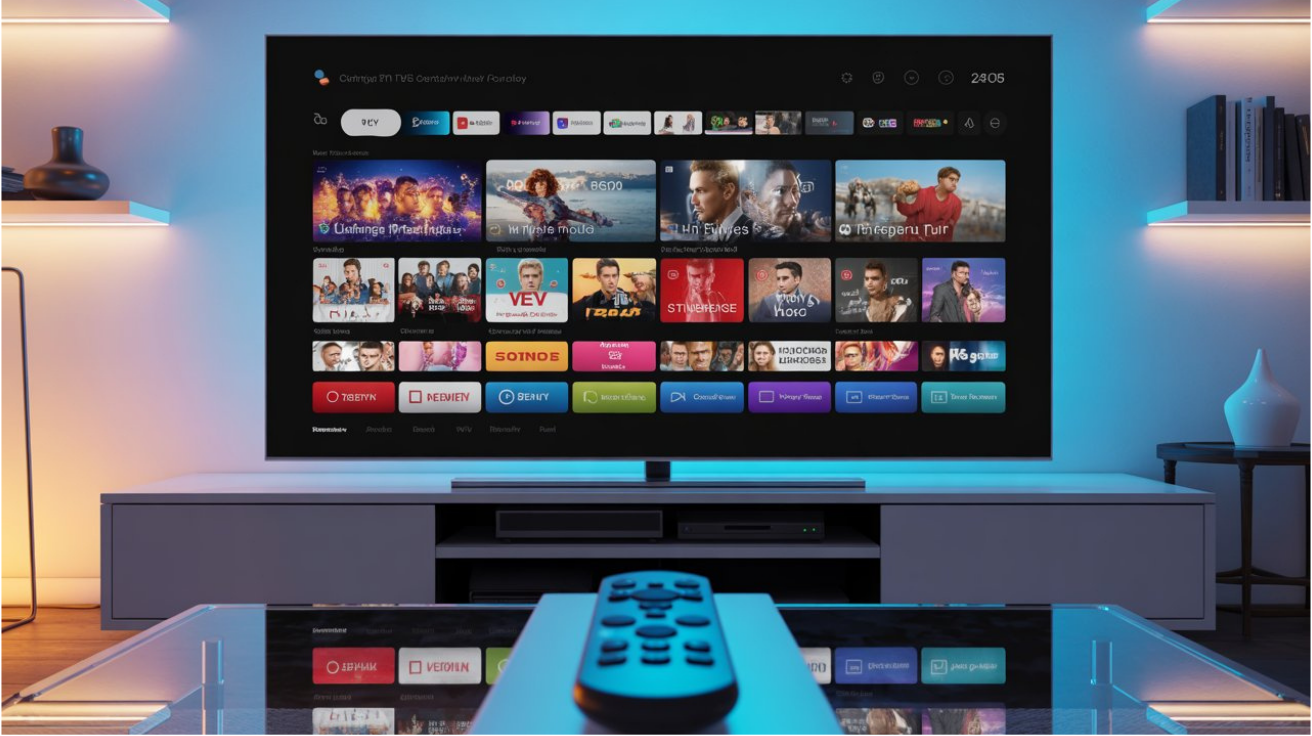
In recent years, IPTV services have become increasingly popular among users looking for flexible and convenient ways to watch live TV channels, movies, and series online. One application that has gained attention in this space is Flix IPTV. Known for its user-friendly interface and advanced features, Flix IPTV offers an excellent platform for managing and streaming IPTV content.
What Is Flix IPTV?
Flix IPTV is a media player application designed to stream IPTV content on a variety of devices, including Smart TVs, Android TV boxes, Amazon Fire TV devices, and smartphones. It is important to note that Flix IPTV does not provide channels or content itself. Instead, it allows users to upload and manage their own IPTV playlists, usually in M3U format.
This flexibility makes Flix IPTV a popular choice for users who already have access to IPTV services and want a reliable player to enjoy their content.
Key Features of Flix IPTV
Easy-to-Use Interface
One of the biggest advantages of Flix IPTV is its clean and intuitive interface. Users can easily navigate through channels, categories, and settings without any technical expertise.
High-Quality Streaming
Flix IPTV supports HD, Full HD, and even 4K streaming, depending on the quality of the IPTV source and the user’s internet connection.
Subtitle Support
The application supports external subtitles, making it easier for users to watch international movies and TV shows in their preferred language.
Multi-Device Compatibility
Flix IPTV works on a wide range of devices, including:
- Smart TVs
- Android TV
- Amazon Fire TV Stick
- Android smartphones and tablets
- Other compatible streaming devices
Customization Options
Users can personalize their viewing experience by adjusting themes, subtitle settings, colors, and other interface elements.
How to Set Up Flix IPTV
Setting up Flix IPTV is a straightforward process:
- Download and install the application on your preferred device.
- Launch the app and note the device MAC address.
- Upload your IPTV playlist using the activation or playlist management portal.
- Restart the application.
- Start browsing and streaming your IPTV channels and content.
The exact setup process may vary depending on the device and IPTV provider being used.
Benefits of Using Flix IPTV
Organized Content Management
Flix IPTV helps users organize channels and content efficiently, making navigation simple and convenient.
Reliable Performance
The application is known for smooth playback and stable performance when paired with a quality IPTV service.
Enhanced Viewing Experience
Features such as subtitles, playlist management, and interface customization contribute to a more enjoyable streaming experience.
Is Flix IPTV Free?
Flix IPTV typically offers a free trial period for new users. After the trial ends, users may need to pay a one-time activation fee to continue using the application. Pricing and activation policies may change over time, so users should verify the latest details through official sources.
Tips for the Best Flix IPTV Experience
To maximize performance and streaming quality:
- Use a stable high-speed internet connection.
- Keep the application updated.
- Choose reliable IPTV playlist providers.
- Regularly refresh playlists and channel lists.
- Ensure your device meets the application’s requirements.
Conclusion
Flix IPTV has become a popular IPTV player thanks to its ease of use, advanced customization features, and support for multiple devices. Whether you want to watch live television, movies, or on-demand content through your IPTV provider, Flix IPTV offers a practical and efficient solution. By combining high-quality streaming with a user-friendly design, it remains one of the preferred IPTV player applications for users worldwide.
Why Flix IPTV Is Growing in Popularity
The demand for IPTV solutions continues to increase as more viewers move away from traditional cable and satellite television services. Flix IPTV has become a preferred choice because it offers a flexible and user-friendly way to access IPTV content on various devices.
Unlike many streaming applications that focus on a specific type of content, Flix IPTV allows users to manage their own playlists and customize their viewing experience. This level of flexibility appeals to users who want greater control over how they watch television and on-demand content.
Additionally, the application’s clean interface and reliable performance make it suitable for both beginners and experienced IPTV users. With support for advanced playback features, subtitle integration, and multiple content formats, Flix IPTV continues to attract a growing user base worldwide.
Supported Devices and Platforms
One of the major strengths of Flix IPTV is its compatibility with multiple devices. Users are not limited to a single platform, which makes it easier to enjoy content wherever they are.
Some of the most commonly supported devices include:
- Smart TVs
- Android TV devices
- Amazon Fire TV Stick
- Android smartphones
- Android tablets
- Streaming boxes
- Compatible media players
This broad compatibility ensures that users can access their IPTV playlists from different screens without sacrificing quality or convenience.
User Experience and Interface Design
A key factor behind the popularity of Flix IPTV is its well-designed interface. The application focuses on simplicity while still providing advanced functionality.
Navigation is straightforward, allowing users to switch between live channels, movies, and series quickly. Categories are organized efficiently, helping viewers find content without spending time searching through large channel lists.
The modern design also contributes to a more enjoyable viewing experience. Menus are responsive, settings are easy to access, and content can be managed with minimal effort.
Customization Features
Customization is an important aspect of any media player, and Flix IPTV offers several options that enhance usability.
Users can adjust:
- Subtitle appearance
- Font sizes
- Theme colors
- Language preferences
- Playlist organization
- Video playback settings
These options allow viewers to personalize the application according to their preferences and create a more comfortable entertainment environment.
Performance and Streaming Quality
Streaming quality is one of the most important considerations for IPTV users. Flix IPTV is designed to provide smooth playback when paired with a stable internet connection and a reliable IPTV service.
The application supports various video resolutions, including:
- HD (720p)
- Full HD (1080p)
- Ultra HD (4K)
Buffering issues are generally minimized when users have sufficient internet speed and properly configured playlists. This helps create a more enjoyable and uninterrupted viewing experience.
Common Issues and Troubleshooting Tips
Like any streaming application, users may occasionally encounter technical issues. Fortunately, most common problems can be resolved quickly.
Playlist Not Loading
If a playlist fails to load, users should verify that the playlist URL is correct and active.
Buffering Problems
Buffering is often related to internet speed or server performance. Restarting the router or checking network stability may help improve playback.
App Performance Issues
Keeping Flix IPTV updated ensures access to the latest bug fixes, security improvements, and performance enhancements.
Subtitle Problems
Users experiencing subtitle issues should verify that subtitle files are correctly formatted and supported by the application.
Advantages of Flix IPTV
There are several reasons why many IPTV users choose Flix IPTV over alternative media players.
Easy Setup
The application can be installed and configured quickly, even by users with limited technical knowledge.
Modern Interface
Its clean and attractive design improves navigation and usability.
Device Flexibility
Support for multiple devices allows users to watch content on their preferred screens.
High-Quality Playback
Flix IPTV supports high-definition streaming and smooth playback performance.
Regular Updates
Ongoing updates help maintain compatibility with modern devices and improve overall reliability.
Future of IPTV and Flix IPTV
The IPTV industry continues to evolve as internet speeds improve and consumer preferences shift toward on-demand entertainment. Applications like Flix IPTV are expected to play an increasingly important role in how people access television content.
As streaming technology advances, users can expect better video quality, enhanced personalization features, and improved compatibility across devices. Flix IPTV is well-positioned to remain a popular IPTV player thanks to its flexibility, ease of use, and commitment to delivering a quality viewing experience.
Final Thoughts
Flix IPTV has established itself as a reliable IPTV player that combines functionality, customization, and ease of use. Whether you are new to IPTV or an experienced user looking for a feature-rich media player, Flix IPTV offers a practical solution for managing and enjoying IPTV content. With support for multiple devices, high-quality streaming capabilities, and a user-friendly interface, it continues to be one of the most popular IPTV player applications available today.
Related Articles
Filed under: IPTV Apps & Players