IPTV Germany Firestick Setup: Complete Guide for Easy Streaming in 2026
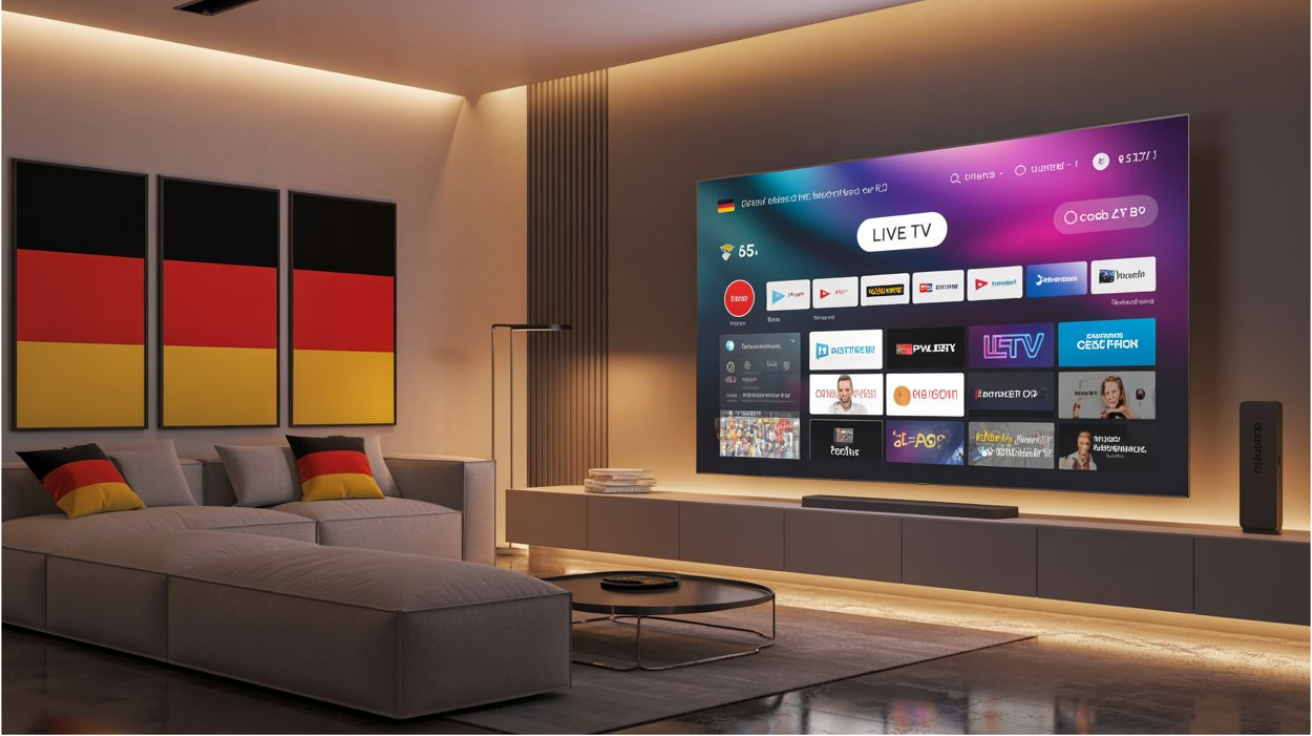
If you are looking for an easy IPTV Germany Firestick setup, you are in the right place. Firestick devices have become one of the most popular ways to stream live TV, movies, sports, and international channels. Combined with IPTV services, Amazon Firestick offers a flexible and convenient entertainment solution for users in Germany.
In this guide, you will learn how to complete an IPTV Germany Firestick setup, which apps work best, and how to optimize your streaming experience for smooth playback and high-quality viewing.
What Is IPTV?
IPTV stands for Internet Protocol Television. Unlike traditional cable or satellite TV, IPTV delivers television content through an internet connection. This allows users to access live TV channels, video-on-demand content, sports events, and international programming from a single device.
Many viewers in Germany choose IPTV because it offers greater flexibility, a wider range of channels, and compatibility with devices such as Firestick, Smart TVs, Android boxes, smartphones, and tablets.
Why Use Firestick for IPTV in Germany?
Amazon Firestick is one of the best streaming devices available today. It is affordable, easy to use, and supports a wide range of IPTV applications.
Benefits of using Firestick for IPTV include:
- Fast and user-friendly interface
- Support for IPTV player applications
- HD and 4K streaming capabilities
- Portable and compact design
- Regular software updates
- Access to thousands of streaming options
For users looking for a reliable IPTV Germany Firestick setup, Firestick remains one of the most recommended devices.
Requirements for IPTV Germany Firestick Setup
Before starting the installation process, make sure you have:
- Amazon Firestick device
- Stable internet connection
- IPTV subscription from a provider of your choice
- IPTV login details or playlist URL
- IPTV player application
Once these requirements are ready, you can proceed with the setup process.
Step 1: Prepare Your Firestick
The first step in an IPTV Germany Firestick setup is preparing your device.
Navigate to:
Settings → My Fire TV → Developer Options
Enable:
- Apps from Unknown Sources
- Install Unknown Apps
This allows the installation of IPTV player applications that may not be available directly through the Amazon App Store.
After enabling these settings, restart your Firestick device.
Step 2: Install an IPTV Player
An IPTV player is required to access IPTV content. Popular IPTV players include:
- IPTV Smarters Pro
- TiviMate
- XCIPTV
- IBO Player
- Flix IPTV
These applications do not provide channels themselves. They simply allow users to connect and manage IPTV subscriptions.
Choose the IPTV player that best suits your preferences and install it on your Firestick.
Step 3: Add Your IPTV Subscription
After installing your IPTV player, launch the application and enter the credentials provided by your IPTV service.
Most IPTV providers supply one of the following:
Xtream Codes Login
You may receive:
- Username
- Password
- Server URL
Enter these details into the IPTV player.
M3U Playlist URL
Some providers supply an M3U link.
Simply copy and paste the playlist URL into your IPTV application.
Once verified, the application will automatically load channels, movies, and available content.
Step 4: Configure IPTV Settings
To improve performance, adjust several settings inside your IPTV application.
Recommended settings:
- Enable hardware decoding
- Activate auto-refresh for playlists
- Select preferred language
- Configure EPG (Electronic Program Guide)
- Enable parental controls if necessary
These optimizations can significantly improve your IPTV Germany Firestick setup experience.
Best IPTV Apps for Firestick Users in Germany
Several IPTV applications are particularly popular among German users.
IPTV Smarters Pro
IPTV Smarters Pro offers a simple interface and supports live TV, movies, series, and catch-up content.
Advantages:
- Easy setup
- Multiple user profiles
- EPG support
- Fast navigation
TiviMate
TiviMate is often considered one of the best IPTV players available.
Features include:
- Modern interface
- Advanced channel management
- Recording support
- Custom playlists
XCIPTV
XCIPTV provides a professional streaming experience and includes built-in media players for improved compatibility.
IBO Player
IBO Player has become increasingly popular due to its smooth performance and straightforward activation process.
Internet Speed Requirements
A stable internet connection is essential for IPTV streaming.
Recommended speeds:
- SD Streaming: 10 Mbps
- HD Streaming: 20 Mbps
- Full HD Streaming: 30 Mbps
- 4K Streaming: 50 Mbps or higher
Using an Ethernet adapter instead of Wi-Fi can further improve streaming stability.
Common IPTV Germany Firestick Setup Problems
Some users may encounter issues during setup. Here are common problems and solutions.
Buffering Issues
Possible causes:
- Slow internet connection
- Overloaded IPTV servers
- Weak Wi-Fi signal
Solutions:
- Restart your router
- Use a wired connection
- Lower streaming quality temporarily
Login Errors
Double-check:
- Username
- Password
- Server URL
Even a small typing error can prevent access.
App Crashes
If your IPTV application crashes:
- Clear application cache
- Update the app
- Restart Firestick
- Reinstall the application
Missing Channels
Refresh the playlist or contact your IPTV provider for updated credentials.
Tips for Better IPTV Performance
To maximize your IPTV Germany Firestick setup, consider the following tips:
Keep Firestick Updated
Software updates improve performance and security.
Clear Cache Regularly
Applications accumulate temporary files over time.
Clearing cache helps maintain smooth performance.
Use Reliable Internet
Streaming quality depends heavily on internet stability.
Organize Favorite Channels
Create favorites lists to access preferred channels more quickly.
Restart Device Occasionally
Regular restarts help optimize system resources and reduce lag.
IPTV Germany Firestick Setup for Sports Fans
Many users in Germany use IPTV for sports streaming.
Popular sports categories include:
- Football
- Tennis
- Basketball
- Formula 1
- UFC
- Boxing
A properly configured IPTV Germany Firestick setup allows quick access to live sporting events and international sports coverage.
IPTV Germany Firestick Setup for International Channels
One of the biggest advantages of IPTV is access to international content.
Users can often watch channels from:
- Germany
- United Kingdom
- France
- Spain
- Italy
- United States
- Canada
- Middle East
This flexibility makes IPTV especially attractive for multilingual households and expatriates living in Germany.
Security and Privacy Considerations
When using IPTV applications, maintaining privacy is important.
Good practices include:
- Using strong passwords
- Keeping applications updated
- Avoiding suspicious downloads
- Installing software only from trusted sources
A secure Firestick setup helps protect your device and personal information.
Final Thoughts
Completing an IPTV Germany Firestick setup is easier than many users expect. With the right IPTV player, a stable internet connection, and proper configuration, Firestick becomes a powerful streaming device capable of delivering live TV, movies, series, and sports content in high quality.
Whether you are new to IPTV or looking to improve your current setup, following the steps outlined in this guide will help create a smooth and reliable streaming experience. By selecting the right IPTV application, maintaining your Firestick, and optimizing network performance, you can enjoy a seamless IPTV Germany Firestick setup throughout 2026 and beyond.
Related Articles
Filed under: IPTV in Germany, IPTV Setup Guides